
Free 1-Year Remote Support
Eligible laptops, desktops, workstations, mini PCs, monitors and other items include complimentary 1-year remote technical support from Win Support Tech. Our team can assist with device setup, software installation, Windows troubleshooting, driver issues, performance optimization, printer connectivity, email configuration, and general technical assistance. Support is provided remotely through secure support tools, phone, or email. Product eligibility may vary.
Product Highlights
SPECIFICATIONS
Adjustable Stand: Huion ST200
Anti-Glare Glass: Yes
Application 1: For Drawing, Illustration, Animation, Graphics Design, Industry Design, Image Editing
Application 2: Game, Online Teaching, video production, training institutions ...
Battery Included: no
Brand Name: HUION
Cable: 3-in-2 cable
Certification: CE
Color Gamut: 145percent sRGB QLED, 16.7 million colors
Compatible System: Windows PC, Android device, MacOS, Chorme OS
Contrast Ratio: 1200:1
Digital Pen: PW517, Pentech3.0
Full Lamaniuted Screen: Yes
HUION Model: GT1302
HUION model: GT1302
High-concerned chemical: None
Interface 1: Full-featured USB-C interface
Interface 2: USB-C interface for power supply
Interface Type: USB
Material: Plastics, ABS
Origin: Mainland China
Package: Yes
Pen Nib: 5 Standard pen nibs, 5 Felt pen nibs
Power Supply: 5V 2A, without adapter
Pressure Levels: 8192
Product Type: Pen Display, Drawing Tablet Monitor
Programmable Press Keys: 7
Report Rate: 300PPS
Resolution: 2560x1600,16:10, QHD+
Resolution Ratio: 5080lpi
Screen Resolution: 2560 x 1440
Screen Size(diagonal): 13.3"
Tablet Width: 258mm
Tablet length: 373.5mm
Thickness: 10mm
Type: Pen Tablet Monitor,Digital Tablets
Viewing Angle: 178 degree
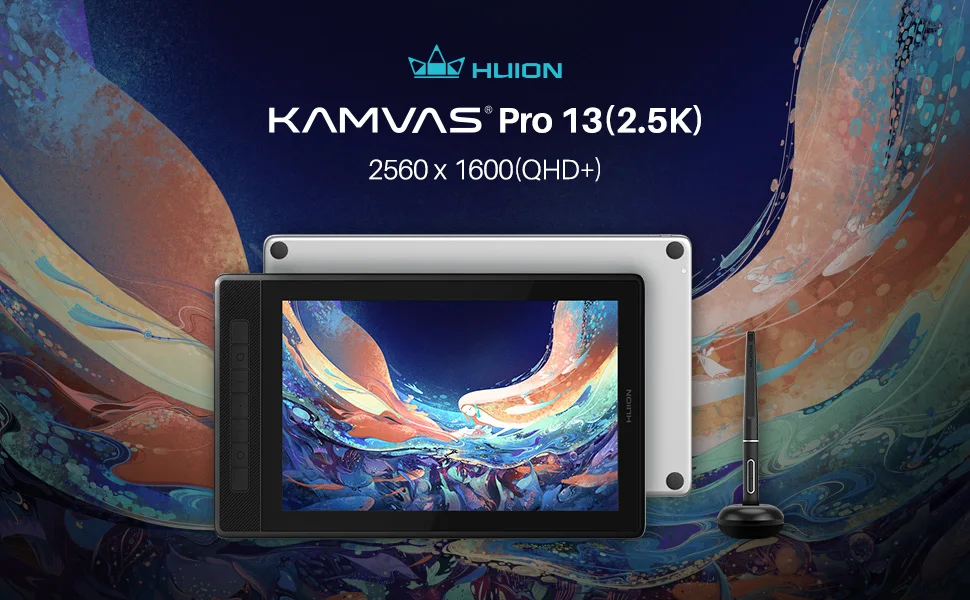
HUION Kamvas Pro 13(2.5K) QHD Screen Drawing Monitor Pen Display —— The second generation of Kamvas Pro 13
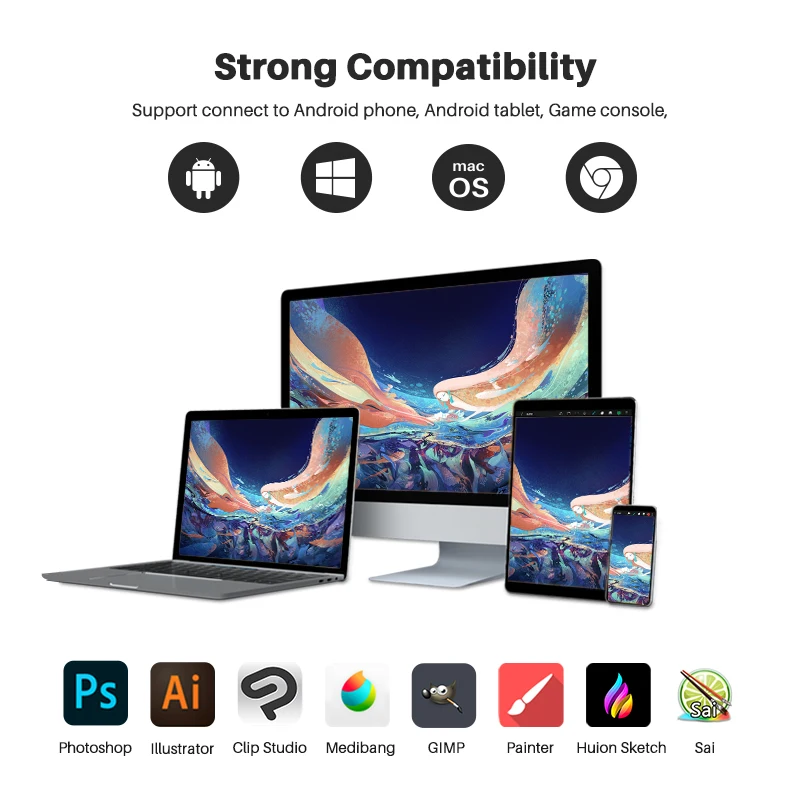
Strong Compatiblity——Support Windows, MacOS, Android, Chorme OS.
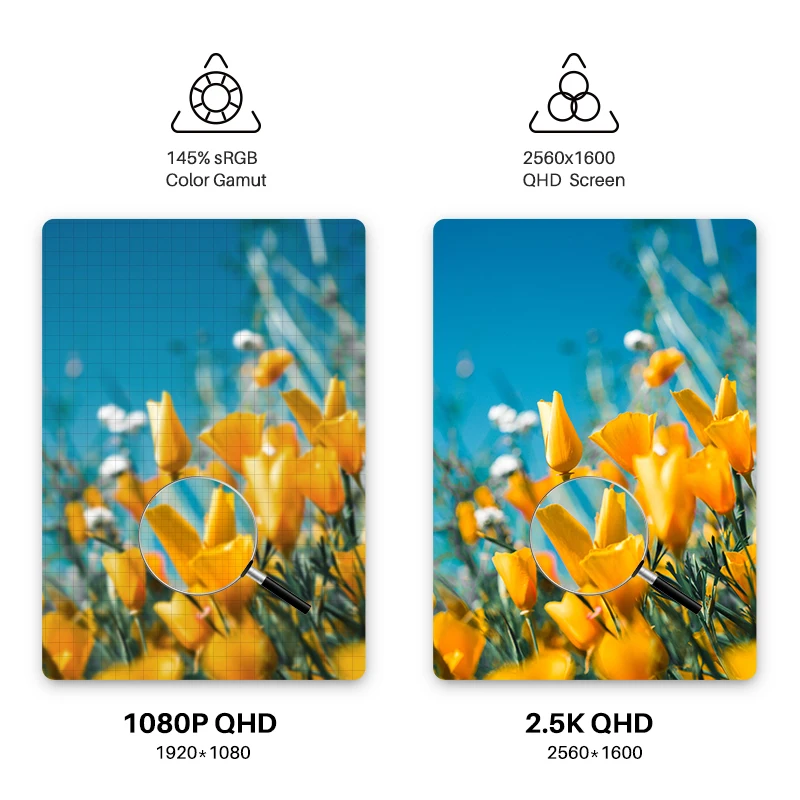
145% sRGB Quantum-dot technology:
Rich colors and smooth color gradation can be realized with 145% sRGB color gamut and 16.7M(8 bit) display colors combined. Users can enjoy accurate color presentation and smooth color gradient when drawing on the Kamvas Pro 13 (2.5K).
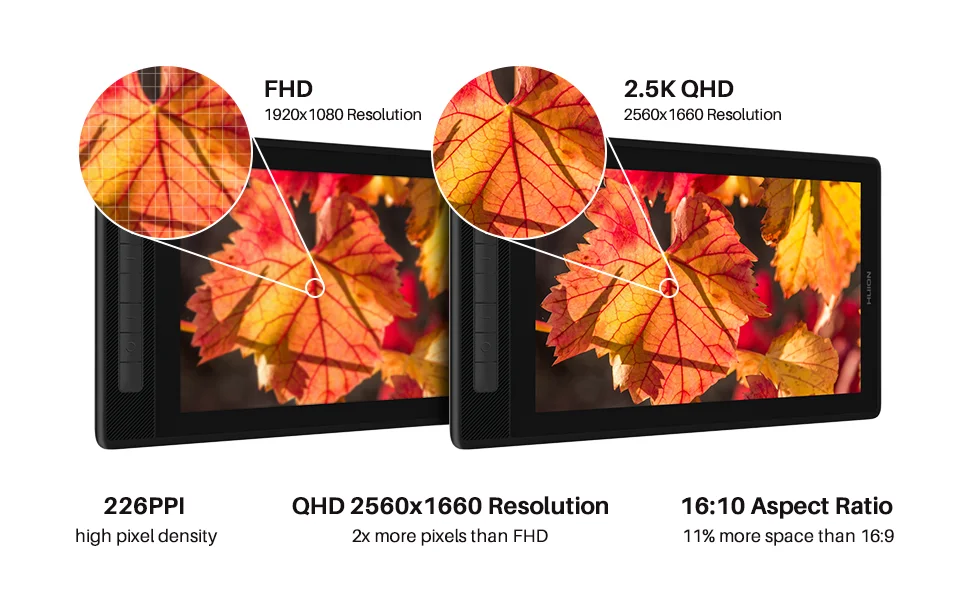
2.5K QHD Screen: The new product improves the resolution to 2.5K, which doesn’t require that high computer configuration and it can function well in most users’s computer. Besides, 2.5K resolution in 13inch screen can present the picture and text in proper size, reducing visual fatigue and providing a comfortable creating experience.
Full laminated Screen and : Compared with the non-laminated screen, it can reduce the light loss caused by reflection of the glass, making the pictures clearer and providing a better display quality.
Anti-glare Glass:AG glass reduce the interference of ambient light on human eyes, and increase the viewing angle and brightness of the screen. Increase the friction between the pen and the glass and provide a pen-on-paper experience.
The specially treated glass surface is wear-resistant and corrosion-resistant, and no additional protector is needed.

Lighter and thiner than Kamvas Pro 13, only 10mm. With Active Area 286 x 179mm, enough for drawing.
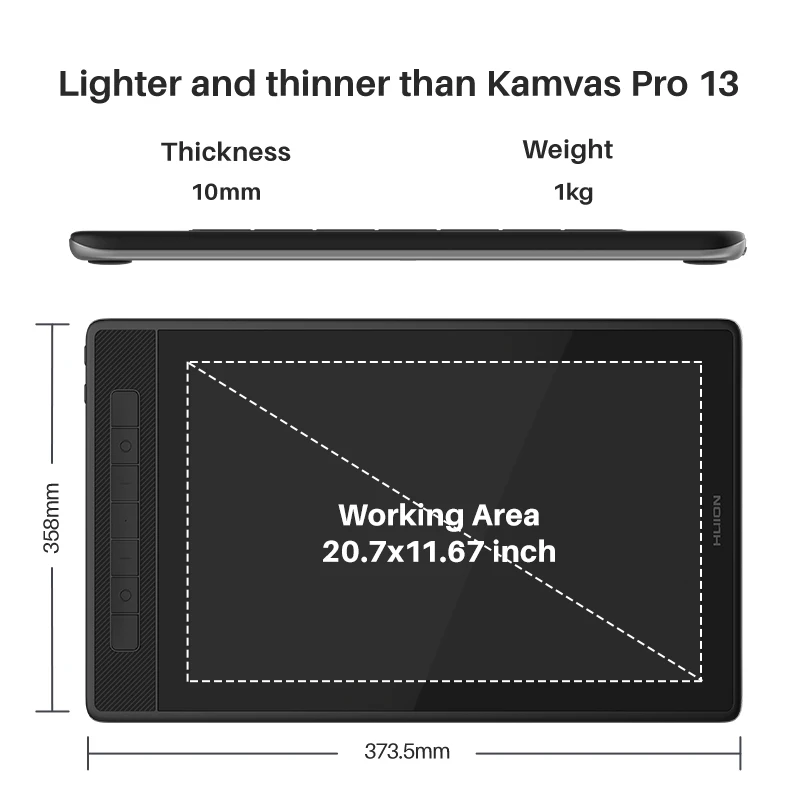
7 programmable press keys: the same as the previous version, but it touchs more comfortable and can be used effortlessly.

Battery Free Digital Pen PW517 : Adopt Pentech 3.0 Technology, designed with 8192 Levels Pressure Sensitivity, >300PPS Report Rate, 5080LPI Pen Resolution, Tilt support ±60°.
Pen-enabled OSD menu : Kamvas Pro 13(2.5K) / Kamvas Pro 16(2.5K) applies the pen-enabled OSD menu. And there are two setting methods.

Connecting Mode (1), 3-in-2 cable(HDMI signal): Supports Windows, macOS, please refer to the connection diagram.
Note:
1. Please insert the 3-in-2 cable to your computer and display correctly according to the signs on the plug and the display.
2. Users can also use other adapters, but make sure that they reach 5V/2A output or above.
3. For GT1302, users can buy an adapter separately.

Connecting Mode (2), Full-featured USB-C to USB-C cable(DP signal):Supports Windows, macOS, ChromeOS, and Android.
Note:
1. The USB-C ports of mobile phones, tablets and computers must at least support USB3.1 GEN1 data transfer protocol and DP1.2 at the same time.
2. For GT1302, users can buy an adapter separately.

Pen tablet mode: When the screen is turned off, Kamvas Pro 13/16 (2.5K) can also serve as a pen tablet, offering a more natural and comfortable way of creation.
Portable and adjustable Stand ST200 (Included in the package)
The supporting panel made of anodized aluminum alloy, has a delicate texture and stylish simplicity.
The bottom, baffle and support panel of the stand are equipped with anti-slip rubber pads to avoid scratches and ensure stability.
The bottom, baffle and support panel of the stand are equipped with anti-slip rubber pads to avoid scratches and ensure stability.
Integrated design, adjustable, foldable and portable.Six-angle adjustment: 14.5°、19.5°、22.5°、37°、41.5°、45°.


Kamvas Pro 13 2.5K(GT1302) Compare to Kamvas Pro 13 (GT-133):

GT1302 Package Content: Kamvas Pro 13(2.5K) monitor, digital pen PW517, pen holder, 5 standard pen nibs, 5 felt nibs, nib clip, 3 in 2 cable, full feature USB-C to USB-C cable (1m length), extended cable, power cable, stand, glove, quick start guide, cleaning cloth. (Note: It do not contains a power adapter).
FAQ
1. What is the difference among Kamvas Pro 13 (2.5K), Kamvas 13, and Kamvas Pro 13?
2. Do I need to connect the Huion Kamvas Pro 13 (2.5K) to a computer to make it work?
Shipping and Return Policy
- Shipping: Shipping is free on orders above 70$. Domestic orders can take 4-8 business days whereas international shipping may take 15-25 days. Standard Shipping may vary on State and Location.
- Returns: We offer a 30-day return policy on items in new, unused condition. Please contact our customer support team to initiate a return. A restocking fee may apply.